
Get every trade priced on your next build
Post the house once with the plans and the schedule, and get bids from approved framers, roofers, mechanicals and finish trades who work near the lot.

More bids, fewer phone calls
When three houses start in the same month, your regular subs can't cover all of them. Contracting Bridge puts each trade package in front of approved companies who already work in that area, with your plans attached.
- Post one project per trade package, or one project with several trades
- Attach plans, truss layouts, window schedules and specs
- See who's insured and licensed before you invite them
- Compare bids with start dates, so you can line up the schedule

How builders use it
Post the package
Framing, roofing, siding or any trade, with the plans and the date you need the crew.
Invite your bench
Invite the subs you already trust, and let approved trades nearby find it too.
Award and schedule
Bids show up as they come in. Award one, then message the crew to lock in the start.
Your plans, your schedule, one page
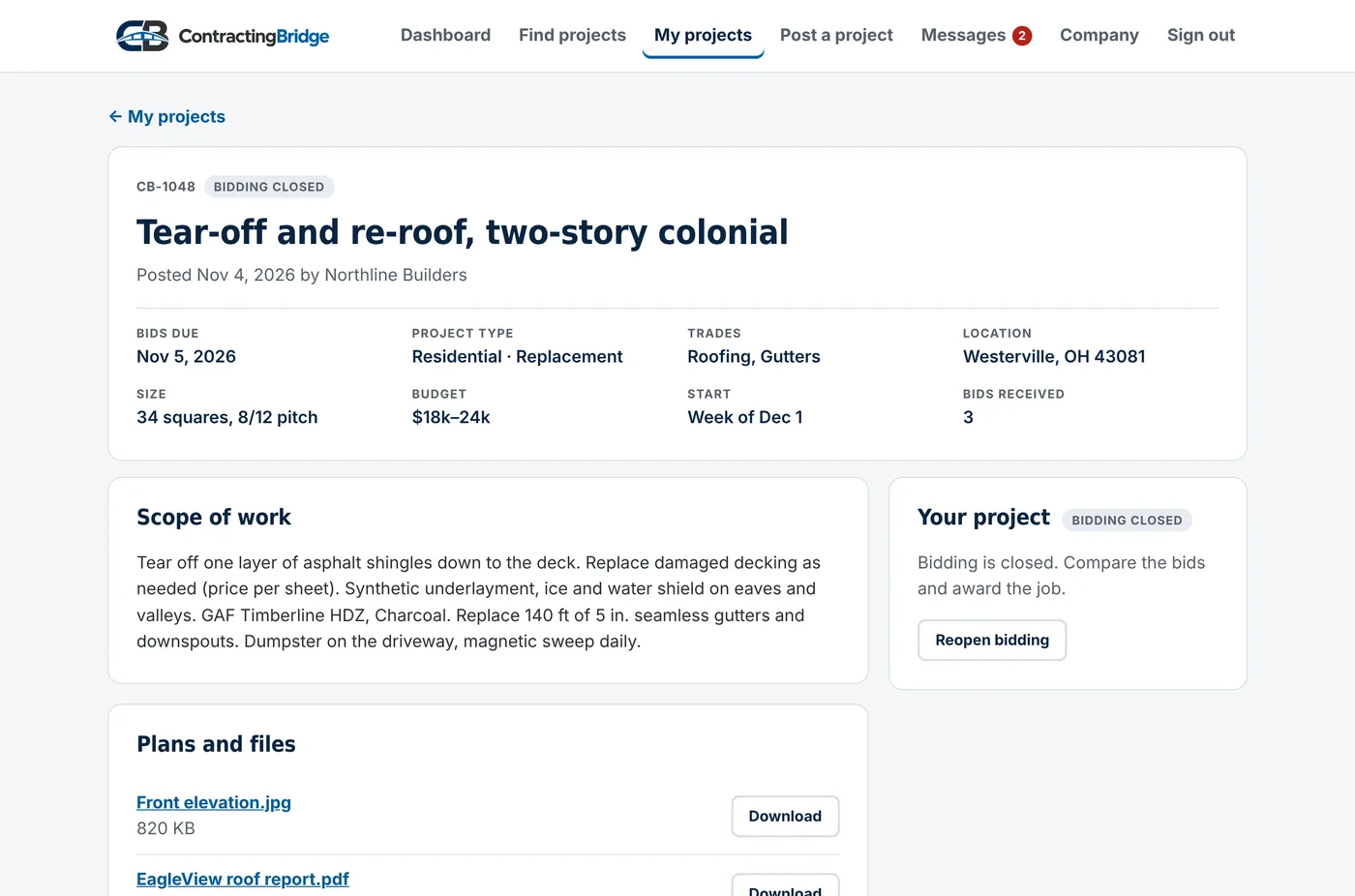
Each package gets a page with the scope, size, budget, start date and files. Trades see the town and ZIP code, never the lot address.
- Award as soon as the right bid comes in
- Sealed bidding when you want all bids at once
- Invite-only when you want a short list
Questions
Who can see my project?
Only companies we've approved. Post to "Trades nearby" and it shows up for trades in the trades you picked who work in that area. Choose "Invite only" and only the companies you invite can see it. Nobody sees the street address.
Can I see bids before the due date?
Yes. By default you see each bid the moment it arrives, and you can award one any time, which closes bidding. If you'd rather compare everything at once, choose "Sealed until the due date" when you post, and bids stay hidden until bidding closes. Either way, trades never see each other's bids.
What files can I upload?
PDFs, photos (JPG, PNG, HEIC), spreadsheets, Word documents and ZIP files, up to 50 MB each. Only approved companies who can see the project can open them.
How do you check insurance and licenses?
Companies upload their certificate of insurance and license. Our team reviews each one and checks licenses with the issuing state. The Insured and Licensed badges appear only after a document is approved.
Do you take a cut of the job?
No. You work out the contract and payment directly with the company you hire. Contracting Bridge never handles payment for the work.
Is it really free?
Yes. Posting, bidding, messaging and reviews are free while we launch, with no limits. General contractors will stay free. When a Pro plan for trades arrives, Founding Members get a lower price, and the free plan stays.
Set up your company in about five minutes
Company name, ZIP code and the trades you do. Insurance and license badges can come later.